Sans serif1 style1 language
Regal Inline
AI-generated
Display · 1 style · 148 glyphs · Version 0.1.0
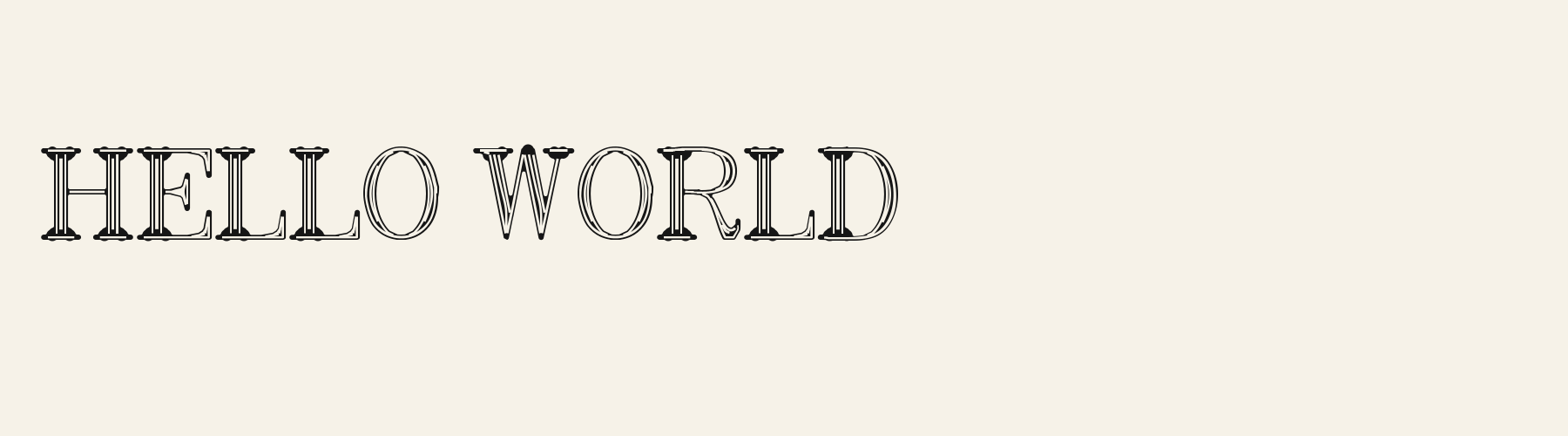
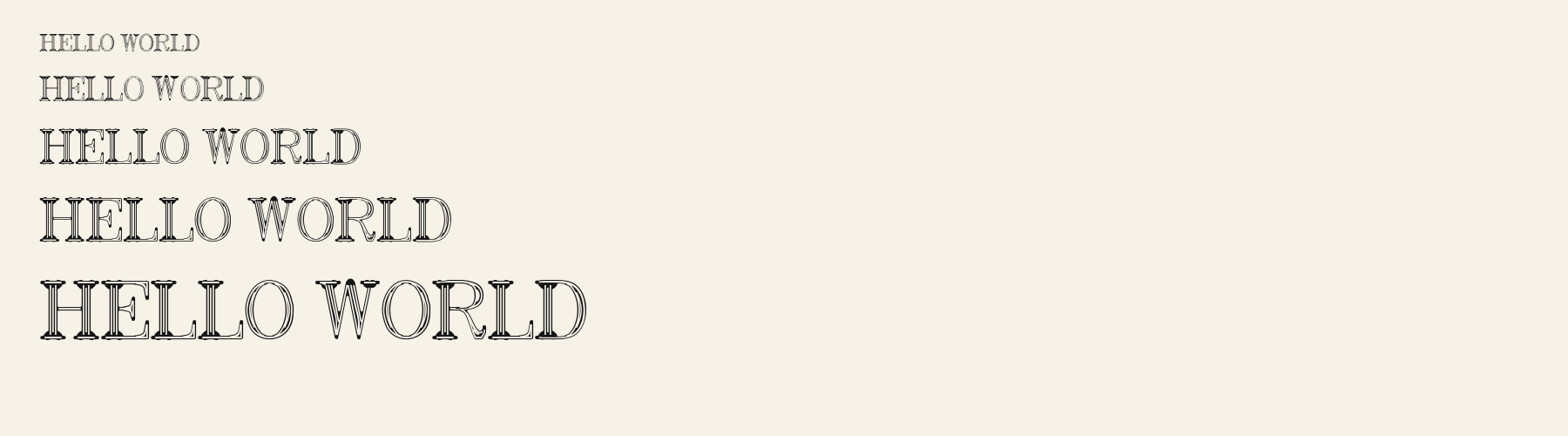
Regal Inline is a display font: triplex roman with an inline. Best for Victorian designs.
Personal use: with Pro, Studio, or as one of 5 Font Pass picks ($4.99 once)Commercial license from $15/mo, yours to keep after your plan endsSee plans
Aa
agRS&
Test
Test Regal Inline
Type the words you plan to use and adjust size, line height, and letter spacing. The preview uses the final font file.
The quick brown fox jumps over the lazy dog
Specimens
Specimens
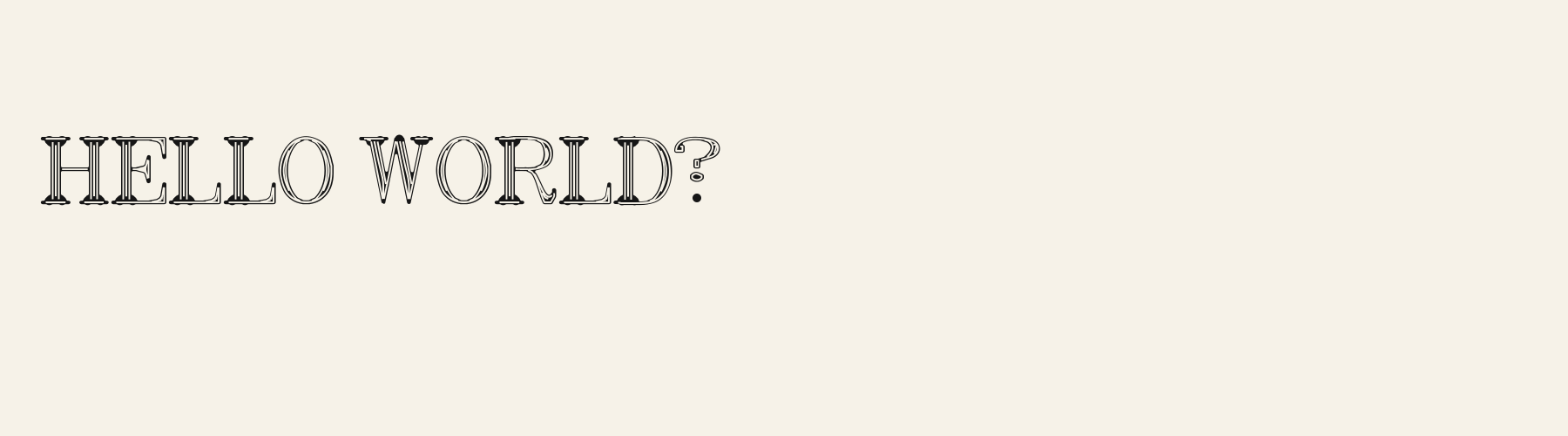
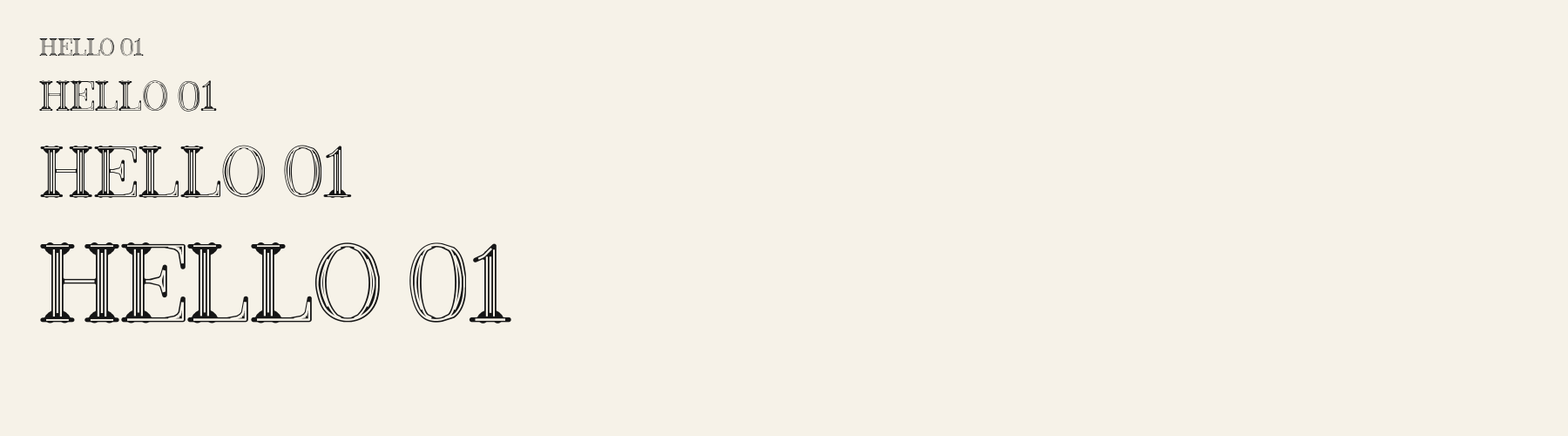
Rendered from the font files, without retouching.
About
About Regal Inline
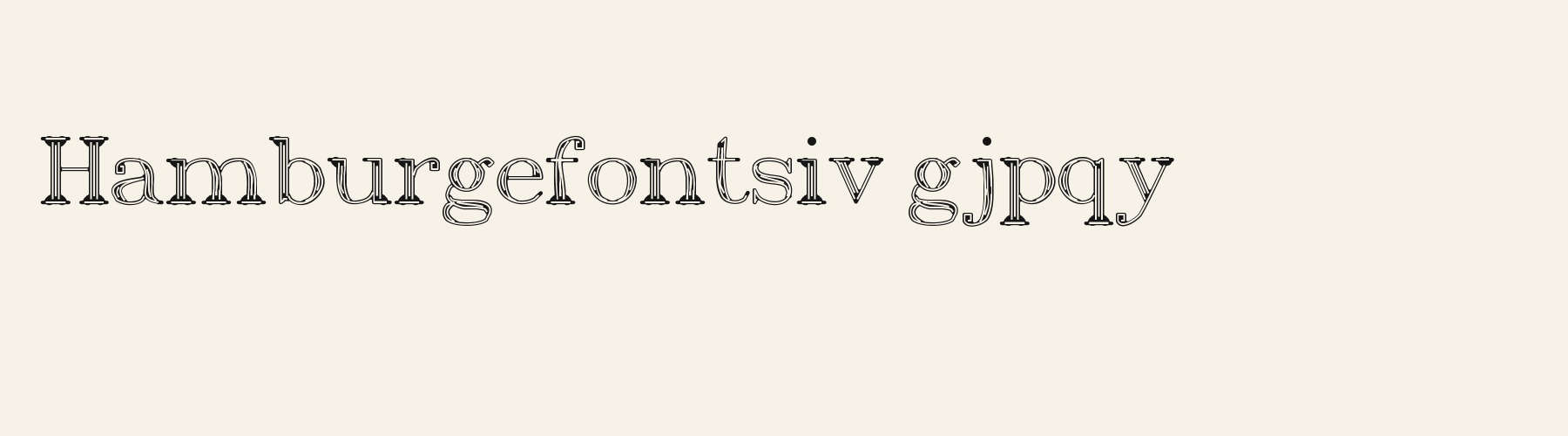
Its lowercase sits low: the x-height is 69.4% of the cap height, where the median for display fonts is 76.2%, lower than 88 of the 97 other display fonts. Ascenders on b, d, h, k and l line up with the capitals (100% of their height), and descenders on g, j, p, q and y drop 30.6% of the cap height below the baseline, deeper than 95 of the 97 other display fonts. Regal Inline runs 10.9% narrower than the median for display fonts: an average lowercase letter, spacing included, is 79.7% as wide as the capitals are tall (an average capital, 88.2%). The o is close to a circle, 1.05 times as wide as it is tall, and M and W are the widest capitals, at 1.09 times the width of H. The O stops 0.4% of the cap height short of H and stands 1.3% above the baseline.
Ink covers 16.3% of each lowercase letter's box (its advance width by the cap height), lighter than 92 of the 97 other display fonts. A thin line is cut along the middle of every stroke.
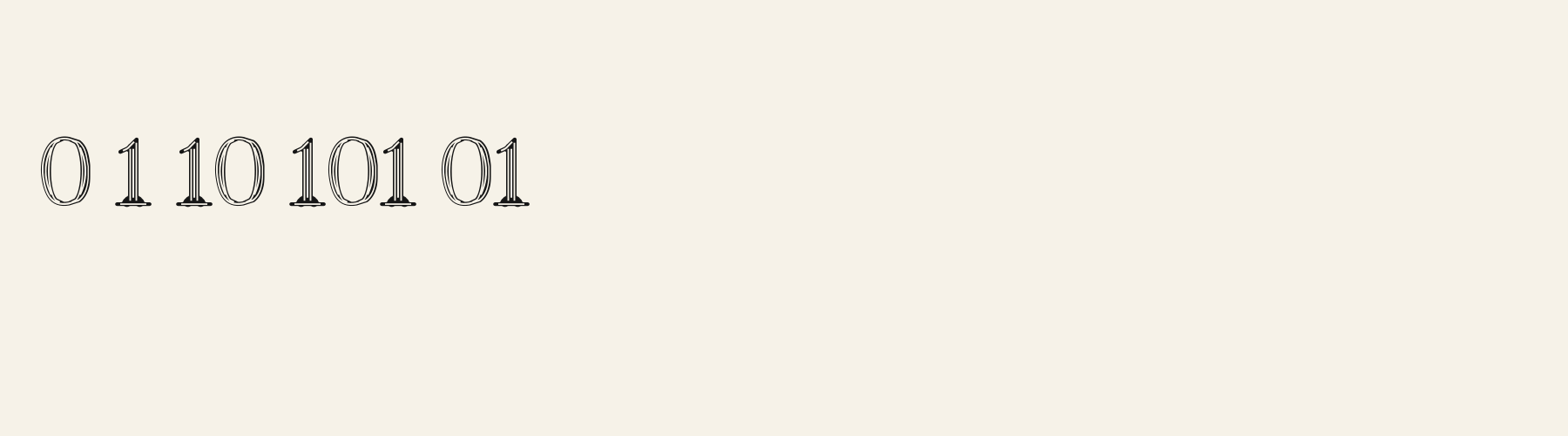
Its 148 characters include 105 Latin letters, plus 43 figures, punctuation marks and symbols; 53 of the Latin letters are accented or special forms beyond A to Z. The word space measures 32.6% of the cap height, and the blank space either side of a lowercase letter takes up 5.3% of its width. Spacing is adjusted with 273 kerning pairs, more than 95 of the 97 other display fonts. The tightest of them is VA, which closes up by 25.8% of the cap height. The figures have different widths, so columns of numbers set in Regal Inline will not line up exactly.
3 other library fonts share Regal Inline's underlying letter structure. Compared with Regal Inline, Herald Nib Roman keeps the letters plain, without the inline effect and puts down 89% more ink. Crypt Roman adds paint drips, sets 11% narrower and puts down 67% more ink. Treatise Roman keeps the letters plain, without the inline effect and puts down 64% more ink.
Measured from the version 0.1.0 font file. Comparisons are with the 314 library fonts measured on October 2, 2026, 98 of them display fonts.
Characters
Characters
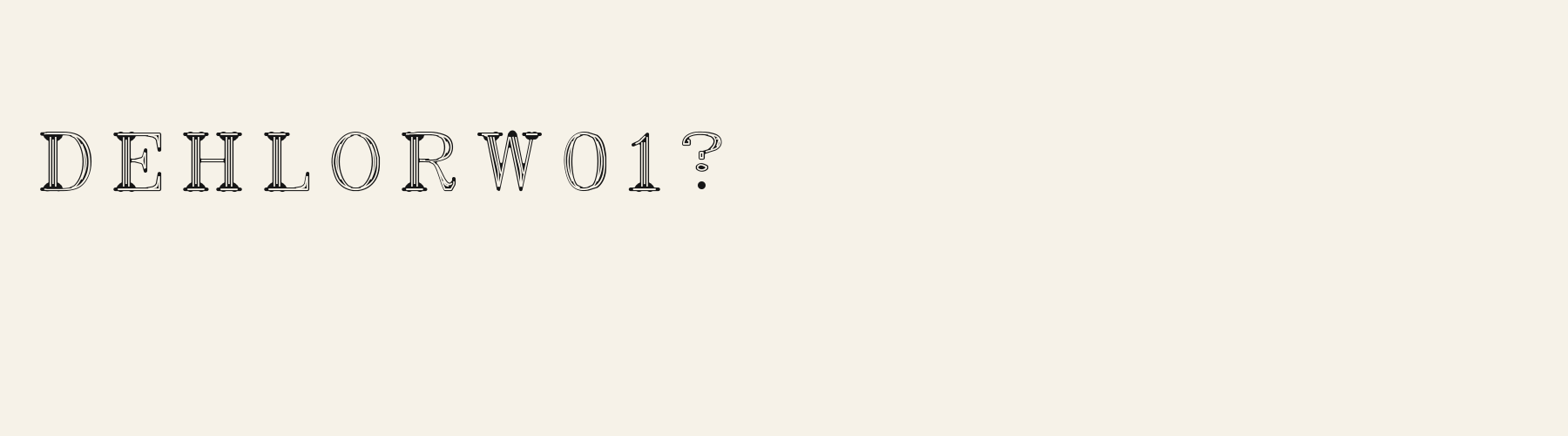
Includes all 95 printable Basic Latin characters and 148 glyphs in total.
Verified language coverage: English (Basic Latin)
- Best for
- Victorian designs
Basic Latin · 94
- !
- "
- #
- $
- %
- &
- '
- (
- )
- *
- +
- ,
- -
- .
- /
- 0
- 1
- 2
- 3
- 4
- 5
- 6
- 7
- 8
- 9
- :
- ;
- <
- =
- >
- ?
- @
- A
- B
- C
- D
- E
- F
- G
- H
- I
- J
- K
- L
- M
- N
- O
- P
- Q
- R
- S
- T
- U
- V
- W
- X
- Y
- Z
- [
- \
- ]
- ^
- _
- `
- a
- b
- c
- d
- e
- f
- g
- h
- i
- j
- k
- l
- m
- n
- o
- p
- q
- r
- s
- t
- u
- v
- w
- x
- y
- z
- {
- |
- }
- ~
Download
Download
Choose the license that matches your project before downloading.
Download
This font is part of the Pro library: it downloads with Pro or Studio, or as one of the five picks of a Font Pass.
Commercial use
Client work, products and redistribution need a commercial license. Library fonts include it with Pro or Studio; fonts you make include it when you make them on Pro, Studio or a Font Pass.
TTF · OTF · WOFF · WOFF2
See plans and Font PassRead the full font licenseTools
Do more with Regal Inline
Free tools that run in your browser. Images you make with them, such as a signature PNG, can be used for any purpose.
- Make a font like thisDescribe the style and get your own font in the direction of Regal Inline, private on paid plans.
- Check languagesSee which of 54 languages a font can write and exactly which letters are missing.
- Convert font filesTurn TTF or OTF into WOFF2 for the web, or back again. Files never leave your device.
- Compare with your fontsDrop in your own font files and set them next to library fonts.
Pairings
Fonts to pair with Regal Inline
A different structure keeps a pairing readable: set one font for headings and the other for text. Test both with your own words.
Sans serif1 style7 languages
Serif1 style1 language
Similar
More display fonts
See all display fontsDecorative1 style1 language
Serif1 style1 language
Display1 style1 language
Display1 style1 language
FAQ
Regal Inline questions
- Can I use Regal Inline commercially?
- Regal Inline is part of the Pro library. Pro and Studio include it with a commercial license that continues after the plan ends; a Font Pass can pick it as one of 5 fonts for personal use.
- Which languages does Regal Inline support?
- Regal Inline has 148 glyphs, including all 95 printable Basic Latin characters. Its 148 characters include 105 Latin letters, plus 43 figures, punctuation marks and symbols; 53 of the Latin letters are accented or special forms beyond A to Z. Verified language coverage: English (Basic Latin). Missing a language? Customize the font and add it in Studio.
- How do I install Regal Inline?
- On Windows, right-click the TTF or OTF file and choose Install. On a Mac, double-click it and click Install Font. For a website, upload the WOFF2 file and load it with @font-face. Restart open apps so they see the new font.
- Can I change letters in Regal Inline?
- Yes. Customize makes a copy in your account and opens it in Studio, where you can redraw letters, adjust spacing, add Bold or Thin and add languages. The library version of Regal Inline stays unchanged.
- Can I make my own font like Regal Inline?
- Yes. Describe the display style you want in the generator, or upload a picture of lettering you like, and AI draws a complete installable font. Fonts made on a paid plan stay private.